93 ready-made sounds. Or clip audio or video from your phone. Free to try.
Charging sounds for iPhone and Android. Android setup is in Vocalcord; iPhone uses a one-time Shortcuts setup.
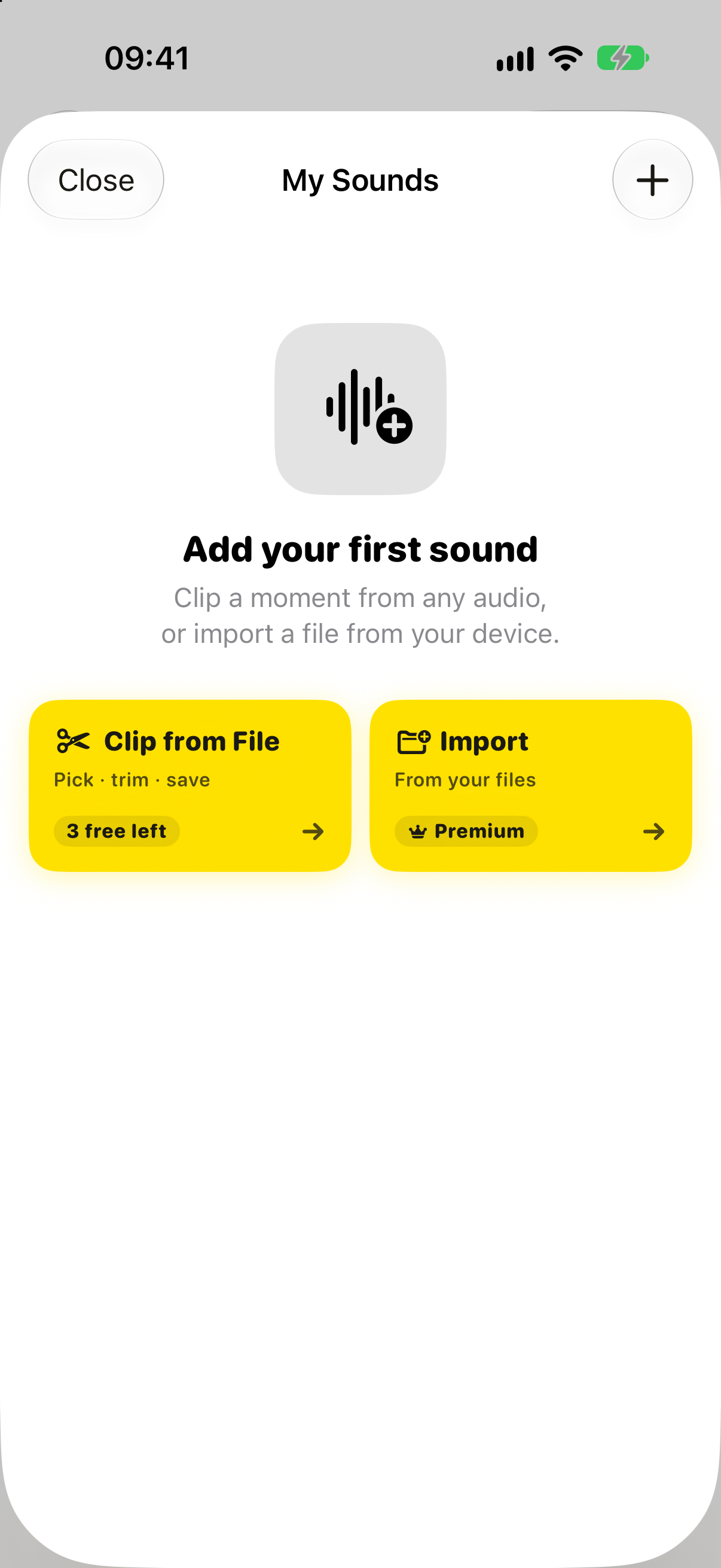
Pick one we made. Clip your own. Or send something to Vocalcord from another app.
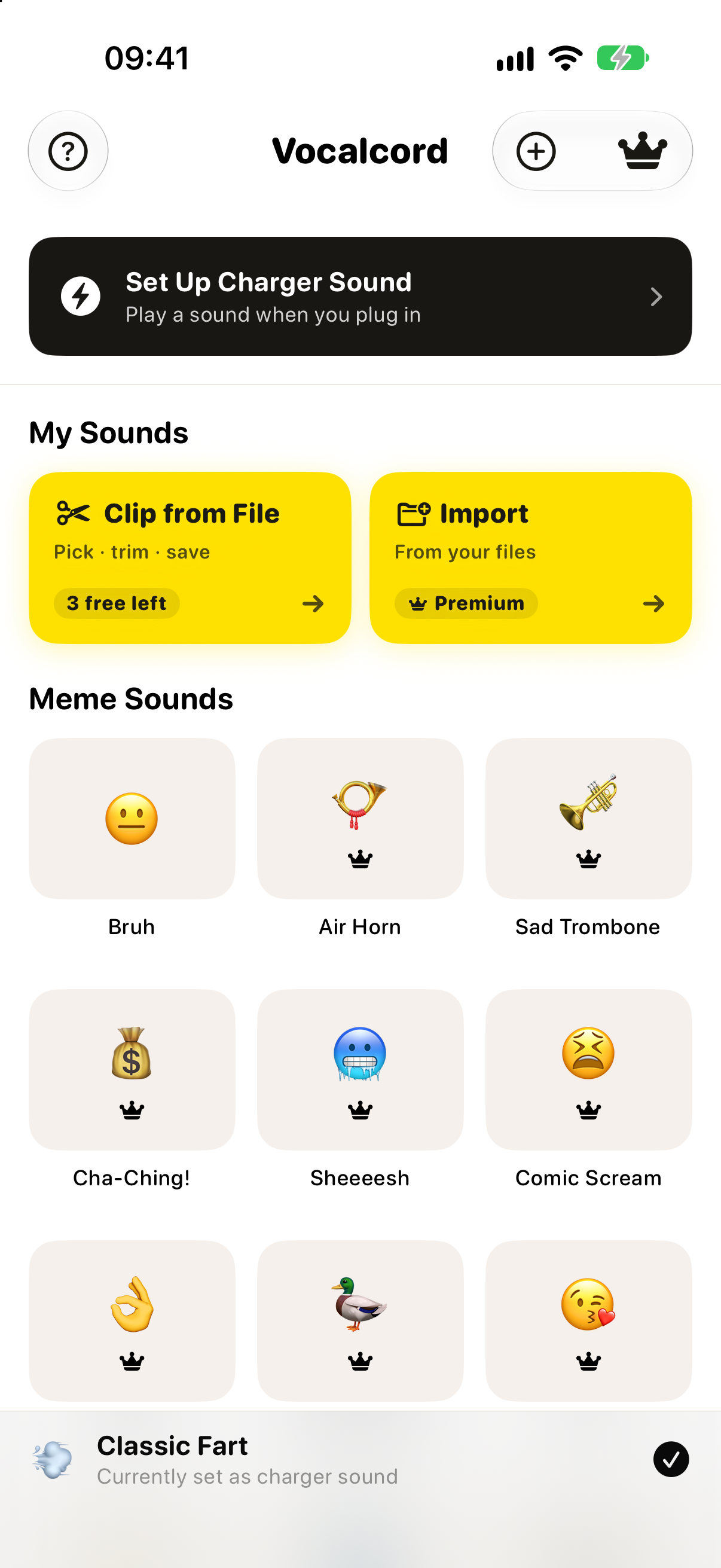
Choose from 93 built-in sounds across 10 categories. Nine are free; Premium unlocks all 93. Shuffle picks from the library or Favorites.
Listen to the sounds

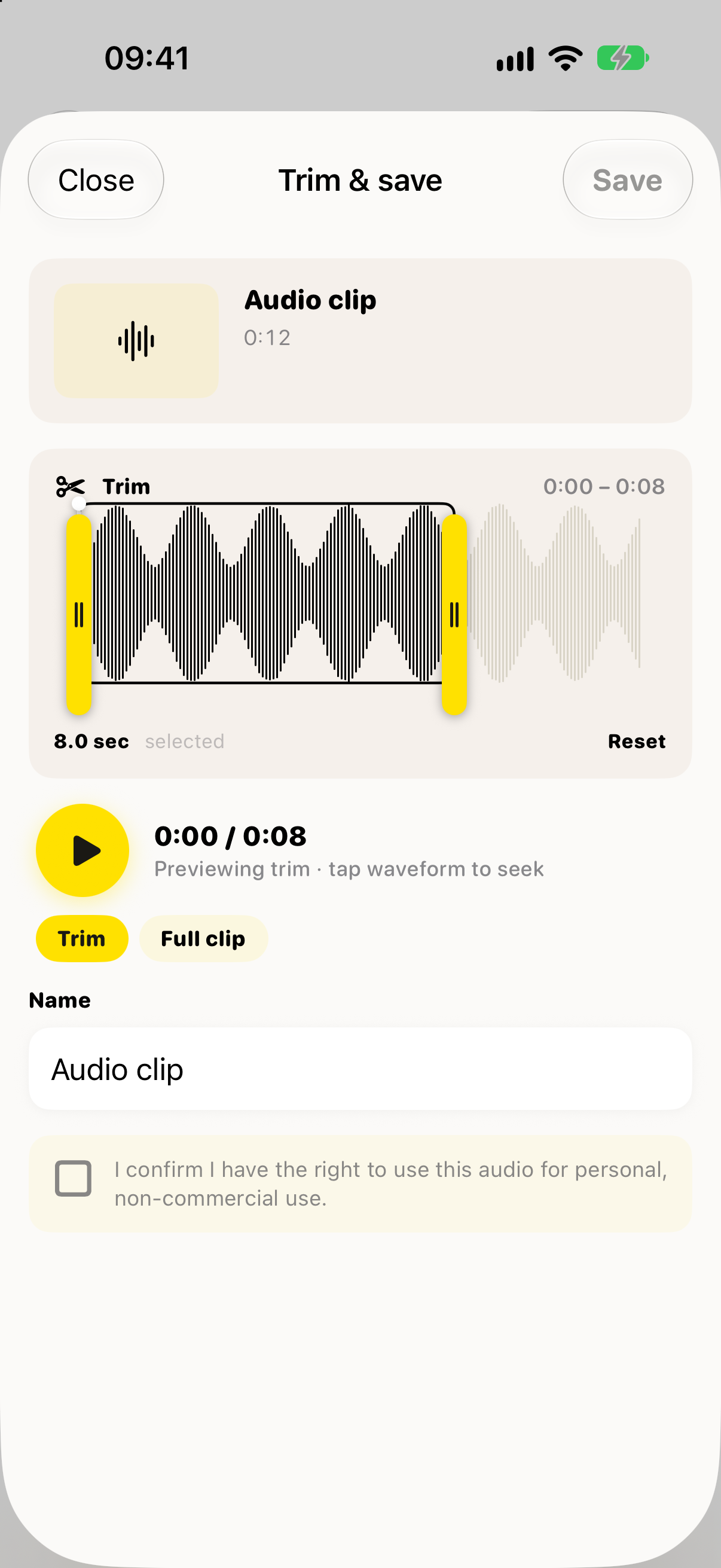
Audio up to 30 seconds imports directly. Longer audio and every video open the editor; Premium is required to set your own clip as the charging sound.
How to make an audio clipOn iPhone and Android, choose Share → Vocalcord in a compatible app. Trim the audio or video, then save your clip using the same editor.

On Android, enable charging playback in Vocalcord. On iPhone, follow the guided, one-time Shortcuts setup.
Browse, shuffle, or clip your own.
Android: enable charging playback in Vocalcord. iPhone: add the guided Shortcuts automation once.
Charging playback uses the sound you chose. Change your selection in Vocalcord.
Free
Premium
Start with 9 free sounds and 3 trimmed-clip saves. Premium unlocks all 93 built-in sounds and lets you use your own clips for charging. Monthly and yearly plans are available.
9 are free; Premium unlocks all 93
Trim from files or shares
Import audio or video from apps that support sharing
Premium shuffle picks from the full library or Favorites
A setting can let playback ignore the silent switch
Premium lets you set imported or trimmed clips as your charging sound
Monthly
US$9.99/month
Billed monthly.
Yearly
US$1.67/month
Billed as US$19.99 annually.
US prices in USD for the App Store and Google Play. Local prices and offers may vary.

I built Vocalcord because I kept wanting to clip a moment — a line from a show I’d just watched, a voicenote a friend sent, a hook from a video in another app — and use it as my charger sound. There was no good tool. And setting up the iOS Shortcut was its own nightmare with no easy way to swap the sound later.
One app does both: choose from the catalog or clip compatible audio, then set up charging playback. iPhone uses a one-time guided Shortcuts automation; Android setup is inside Vocalcord. Change your choice in the app.
9 free sounds and 3 trimmed-clip saves. Premium unlocks the full catalog; monthly and yearly plans are priced in your store.
Refunds through your app store.
Bought on iPhone? Request a refund from Apple at reportaproblem.apple.com. Bought on Android? Request it through Google Play. Each store applies its own refund policy.